 TabEver
Saved locally · Searched locally
Find pages by idea.
Build your knowledge.
Find pages from a rough impression. Use your tabs as source material for your knowledge base or LLM wiki. Your browsing stays local.
Start with a topic, an idea, or the problem a page helped you solve. You can get back to useful reading without first organising everything into bookmark folders.
Offline search resources occupy about 387 MB before other extension files. Setup takes time and uses device memory and processing power. Smart search needs a Chrome environment that supports WebGPU.
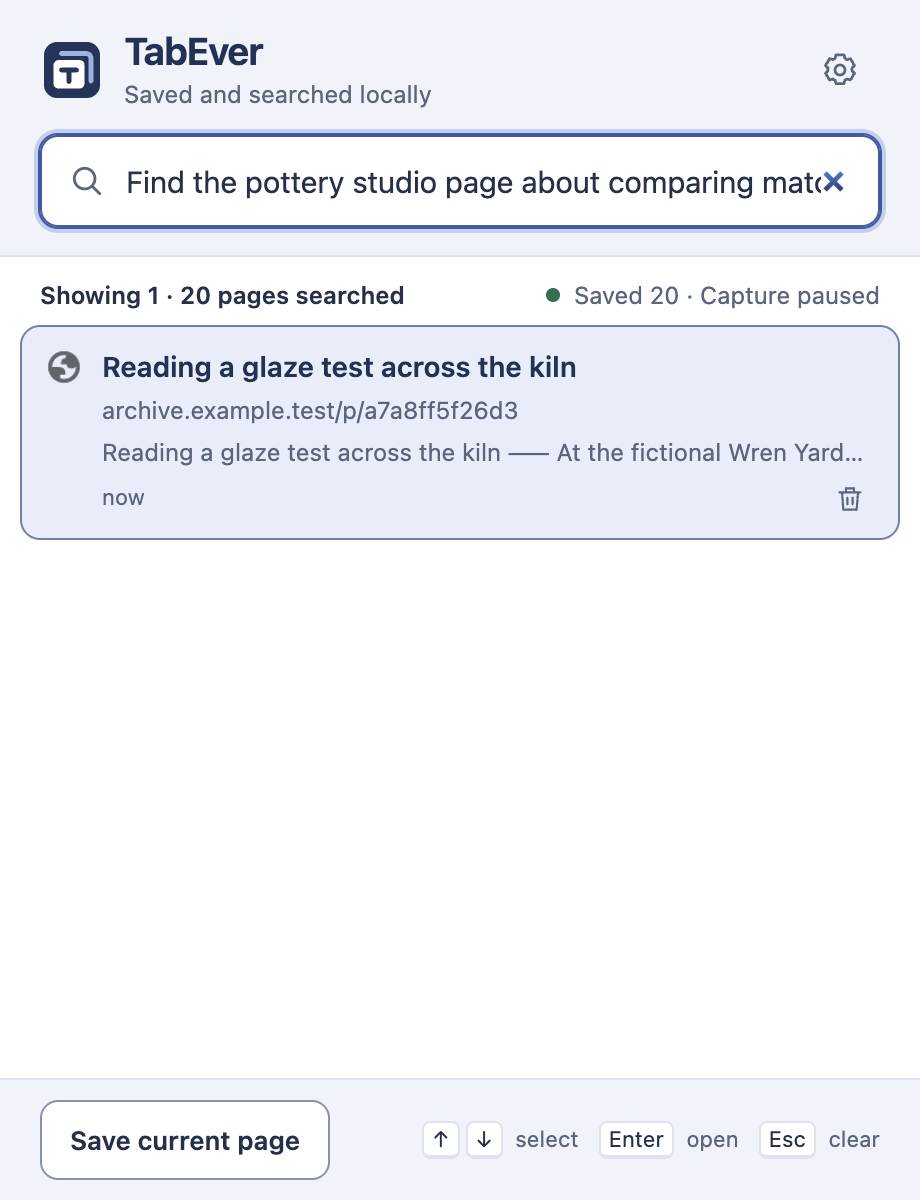
Start with a rough impression.
A title, a topic, or a short description can help you find the page.
- 01 / Save
Keep a record of the page
Browse as usual. Eligible pages have their titles and short summaries saved automatically. You can also choose “Save current page”.
- 02 / Search
Describe the topic or idea
Enter keywords or a description to search pages saved on your device.
- 03 / Reopen
Return to the page
Check the title, summary and address, then open the result you need.
Search covers records saved after installation. These are not full offline copies and cannot recover earlier browsing. Reopening needs the original website to remain available. Search may miss relevant pages or show unrelated results; check the title and address.
Choose what
you want to keep.
You control what is saved, how long it stays, and when to back up or restore it.
Two filters, enabled by default
Privacy mode skips detected sensitive health queries, personal accounts and private messages. The mature-content filter skips detected adult, gambling, graphic-violence and self-harm content.
Pause saving or exclude websites
Pause future saving or exclude specific domains. Incognito pages are not collected.
Choose how long records stay
Records are kept for 90 days by default, adjustable from 7 to 3650 days. Backup and restore are free; keep exported files private.
Use your preferred language
English is the default. Choose from nine supported languages in Settings, including Chinese, German and French.
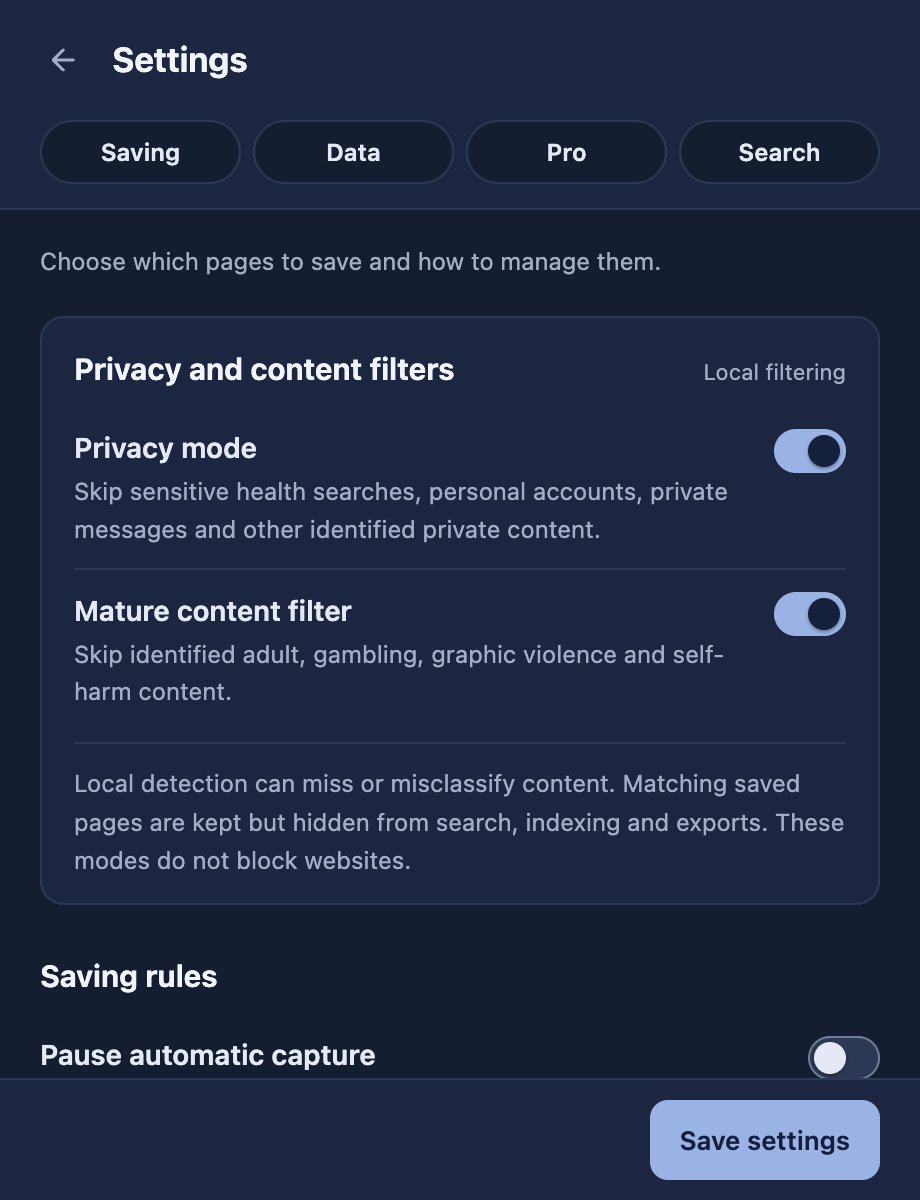
Local rules can miss or misclassify content and do not block website access. Existing matching records are hidden, not automatically deleted. Titles, summaries and URL paths may still contain personal information; exclude sensitive sites. URLs usually omit query parameters and fragments, with a few exceptions such as YouTube video identifiers. Some pages may not reopen exactly as before. Read the full privacy notice
Rediscover useful reading.
Build on what you know.
Saving, searching, backup and restore are free. Keep original page links alongside short summaries as source material for your notes, personal knowledge base or LLM wiki. Pro context export creates a local file for your own workflow.
| Feature | Free | ProPurchases not yet available |
|---|---|---|
| Save and rediscover | Automatic saving, local search and reopening closed tabs | Includes the free core features |
| Backup and restore | Export a local backup and restore when needed | Includes free backup and restore |
| Bookmark import | — | Import existing Chrome bookmarks |
| Context export | — | Export browsing context with source links for use in your own tools |
You choose what to share or import into your own tools. TabEver does not automatically build a wiki, connect to an LLM, or sync with a knowledge-base service. Pro is planned as a one-time purchase for the current major version. Purchases are not yet available.
Read about Pro, licensing and support →